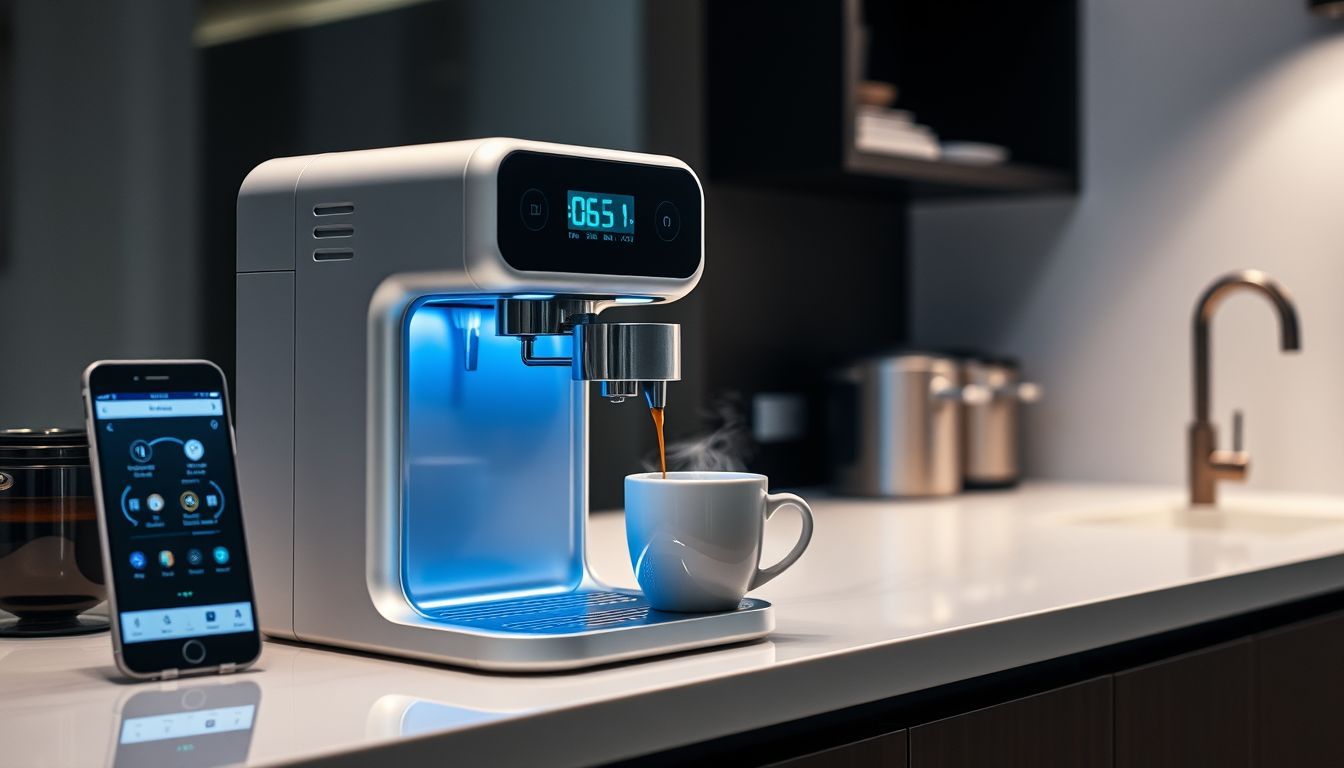
Today’s connected brewers can adjust brew settings from an app, remind you when filters are running low, and even help reorder beans.
Meanwhile, a “traditional” espresso machine sits silently on the counter, with no way to warn you it’s slowly clogging with mineral deposits while your shots get more and more sour.
That contrast is why smart coffee makers have moved from novelty to useful brewing tools. In this guide, you’ll learn what modern connected machines actually do well in 2026, which features matter, and which are still hype.
The short answer:
Smart coffee makers use sensors, connectivity, and automation to improve brew consistency, reduce maintenance guesswork, and personalize recipes. The best models fine-tune temperature and flow, send proactive cleaning alerts, and (in newer systems) learn your preferences over time—so you get repeatable results without micromanaging every variable.
Quick pick
Fellow Aiden: programmable bloom and pulse settings with app control.
7 Reasons Smart Coffee Makers Are Worth a Look
- More consistent extraction via tighter temperature and flow control
- Predictive maintenance that flags descaling and wear before taste drops
- Personalized recipes you can repeat across beans and seasons
- Scheduling and automation that fits real routines (not just “start remotely”)
- Smart home integration for hands-free workflows
- Waste reduction through better dosing, fewer failed brews, and targeted cleaning
- Repeatable profiles you can share across household users
Smart vs Traditional: What Changes?
| Category | Traditional Machines | Smart / Connected Machines |
|---|---|---|
| Temperature control | Often coarse or fixed; depends heavily on design | Sensor-guided heating; tighter control and monitoring |
| Repeatability | Relies on user habits and manual consistency | Profiles + automation make “same cup tomorrow” easier |
| Maintenance | Calendar-based reminders or none at all | Usage/water-aware prompts and cleaning cycles |
| Learning & personalization | Manual trial-and-error; notes in your head | Feedback loops, saved recipes, preference learning |
| Workflow speed | Can be fast, but often more hands-on | Automation reduces steps; schedules reduce waiting |
| Cost | Lower entry price; fewer electronics | Higher upfront cost; more features to evaluate |

The Evolution of Smart Coffee Technology
Skepticism about smart coffee makers used to be well earned. The biggest shift in recent years is that connectivity stopped being the point and started supporting brew quality and ownership longevity.
What to look at when evaluating “smart” features: temperature stability, app reliability, offline usability, firmware cadence, cleaning friction, and typical part replacement cost/availability.
First Generation: Wi‑Fi for Wi‑Fi’s Sake (2010–2015)
- Connectivity without a real brewing benefit
- Apps that were harder to use than physical buttons
- Unreliable networks and brittle onboarding
- Novelty features that didn’t improve taste
- Higher prices for marginal value
Second Generation: Useful Intelligence (2016–2020)
- More meaningful temperature and flow control
- Better UI/UX (and less “app for app’s sake”)
- Maintenance reminders that reduced performance drift
- Early data-driven brewing guidance
Third Generation: AI-Powered Brewing (2021–2026)
- Preference-based profile tuning
- Predictive maintenance signals based on usage and water
- Environmental adaptation (humidity/seasonality) in select ecosystems
- More reliable firmware and feature updates (on the better brands)

How Smart Coffee Makers Solve Real Coffee Problems
Consistency: the holy grail of home brewing
Great coffee is mostly about controlling variables. Even if you love hands-on brewing, the reality is that small swings in temperature, flow, and grind can push a cup from sweet to sour or bitter.
- Temperature stability: Many quality brewers target recognized standards (for drip, the Specialty Coffee Association commonly cites brew water temperature in the 195–205°F range).
- Flow and contact time: Monitoring helps reduce “random” under/over-extraction.
- Grind consistency: A machine can’t fix a boulder-and-dust grind. If your brews swing day to day, upgrading your grinder is often the fastest win—see our guide to the best coffee grinders for every budget and brewing method.
Tip: If your brews taste randomly sour or bitter, log two things for a week: water hardness and brew temperature. Those two variables explain a lot of unexplained inconsistency at home.
Maintenance: preventing problems before they occur
Traditional ownership is often reactive: you notice taste gets dull, then you descale, then it improves—until it doesn’t. Connected systems can tell you more about what is happening inside the machine.
- Usage-aware prompts: Reminders based on actual brew volume, not calendar dates.
- Flow/heat drift detection: Early signals that scale or clogging is affecting extraction.
- Consumable tracking: Filters, gaskets, and cleaning cycles don’t get “forgotten” as easily.
If you like the idea of reduced cleaning friction, you may also want to compare against coffee makers that clean themselves, since some non-connected models deliver real maintenance convenience without a full app ecosystem.
Smart coffee maker maintenance tips
- Test water hardness (or use filtered water) so your cleaning schedule matches reality.
- Run the manufacturer cleaning cycle weekly, or as often as the manufacturer recommends, to keep oils from turning rancid.
- Descale based on hardness + machine prompts, not calendar-only reminders.
- Clean the brew basket and lid seals—common mold and odor hotspots.
- Install firmware updates when they are released so sensors, alerts, and safety logic stay accurate.
Personalization without the “science project”
The most useful systems don’t turn your morning into a control panel. They save what worked and make it easy to repeat—especially across different beans, different family members, or different cup sizes.
- Multiple profiles with distinct recipes
- Bean-specific tweaks (when supported) for roast level and freshness
- Feedback loops that nudge recipes toward your preference
Smart Coffee Makers Worth Knowing
Spinn Coffee Maker (and an alternative)
The Spinn uses centrifugal brewing but is not widely available on Amazon. A more accessible automated option is the Ninja Hot & Iced XL Coffee Maker, which adds a Rapid Cold Brew feature.
Shop the Ninja Hot & Iced XL Coffee Maker
Breville Precision Brewer: customizable drip
For those intrigued by precise temperature curves and flow rate control—two pillars of better repeatability—the Breville Precision Brewer is a strong reference point.
Breville Precision Brewer Drip Coffee Machine
- PID temperature control
- Six brewing modes including Pour Over and Cold Brew
- Stainless steel thermal carafe
Fellow Aiden Precision Drip Coffee Maker: minimalist smart design
If you want smart features without the bells and whistles, consider:
Fellow Aiden Precision Drip Coffee Maker
- Sleek, minimalist aesthetic
- PID temperature control
- Bloom cycle optimization
Technivorm Moccamaster: a non-smart baseline
While not app-controlled, the Technivorm Moccamaster 53941 KBGV Select is a reminder that repeatability can come from good engineering: it brews 10 cups in about six minutes at SCA-approved temperatures. If you’re considering Technivorm, see our notes on the Technivorm Moccamaster 53930 KBGV 10-Cup Coffee Maker for build quality and brew performance context.
Pour-over essentials (still relevant)
Even in a connected world, foundational tools matter. For consistent manual brews, a reliable choice is the:
Hario V60 Ceramic Coffee Dripper
Tip: If keeping coffee hot is your main concern (especially for batch brews), focus less on apps and more on thermal performance and carafe design—start with our roundup of coffee makers that actually keep coffee hot all day.
AI in Coffee Brewing: What’s Real vs. Hype
When it is done well, AI-driven coffee brewing is a practical feedback loop. The machine notices patterns (temperature drift, flow slowing, user ratings) and nudges recipes toward repeatable outcomes.
- Pattern recognition: which parameters correlate with your “best cups”
- Predictive modeling: how today’s settings likely taste given bean age and prior results
- Continuous improvement: refinements over time—without you re-learning the machine every month
Integration with Smart Home Ecosystems (without making the app mandatory)
The best app-controlled coffee makers let you brew, schedule, and adjust recipes without trapping you in a phone-first workflow. Voice control can be convenient, but physical controls and offline usability still matter.
Common mistakes to avoid
- Buying an app-only machine: if the app breaks, your morning breaks.
- Ignoring water hardness: smart prompts help, but they can’t change your water.
- Skipping firmware updates: updates can improve reliability and sensor accuracy, not just add features.
- Expecting tech to fix stale beans: automation can’t restore aromatics that are already gone.
Addressing Purist Concerns (fair points, practical fixes)
“Technology complicates coffee.”
- Good connected brewers reduce steps (saved profiles, guided ratios) instead of adding them.
- Automation can handle repeatable tasks so you can focus on beans and grind.
- Better alerts mean fewer “mystery” flavor declines from scale or oil buildup.
Takeaway: Look for machines that offer strong default recipes and minimal daily tinkering.
“Apps shouldn’t be required for coffee.”
- Physical buttons/dials should cover core functions: brew, size, strength, temperature.
- Offline mode should still allow normal operation if Wi‑Fi drops.
- Scheduling should be optional, not mandatory.
Takeaway: Prioritize “app optionality” in your shortlist.
“Smart features are gimmicks.”
- Some are: novelty notifications and unnecessary social features don’t improve taste.
- The valuable ones show up in the cup: temperature stability, consistent flow, and maintenance that prevents degradation.
- Data is only useful when it produces a clear action (clean, adjust, repeat).
Takeaway: Pay for sensors and control that improve repeatability, not “extra screens.”
Privacy and Longevity
- Offline usability: What happens if your Wi‑Fi is down?
- App end-of-life risk: If the brand stops supporting the app, can you still brew normally?
- Data controls: Look for permission settings, opt-outs, and clear account deletion paths.
- Security basics: Use strong Wi‑Fi credentials and keep firmware updated.
- Repairability: Check parts availability (carafes, gaskets, filters) before you buy.
What to Look for in a Smart Coffee Maker (2026 Checklist)
- App optionality (core brewing works without your phone)
- Firmware update policy (how often, for how long, and how transparent)
- Temperature + flow control (not just a “strong brew” button)
- Water hardness tracking and descaling guidance
- Clear maintenance UX (alerts that explain “why,” not just “do it now”)
- Privacy controls and sensible permissions
- Repairability + parts availability (carafe, seals, brew basket parts)
- Standards alignment (where applicable, SCA-style temperature and extraction targets)
Who These Machines Are For (and Who Should Skip Them)
Best for
- People chasing consistency without turning every brew into an experiment
- Busy households that want repeatable profiles and scheduling
- Owners who tend to forget descaling/cleaning until taste drops
Skip if
- You strongly prefer fully manual workflows and don’t want software in the loop
- You need a machine that will function the same for 10–15 years with zero updates
- Your budget is tight and a grinder upgrade would improve results more
FAQ
Are smart coffee makers worth it in 2026?
They’re worth it if you value repeatability, maintenance guidance, or multi-user convenience. If your current setup tastes inconsistent, you may get a bigger improvement first from fresh beans and a better grinder—then decide whether automation fits your routine.
Do app-controlled coffee makers still work without Wi‑Fi?
Some do, some don’t. Look for models that keep core brewing functions on physical controls and offer an offline mode. If Wi‑Fi is required for basic brewing, you’re accepting more long-term risk.
Is AI-driven coffee brewing actually better, or just marketing?
It’s better when it produces clear, repeatable outcomes: fewer bad brews, faster dialing-in, and earlier maintenance warnings. If “AI” only means a novelty recommendation feed, it won’t improve the cup.
What data do smart coffee makers collect?
Typically brew frequency, settings, error logs, and sometimes performance telemetry (temperature, flow estimates). Higher-end ecosystems may store user profiles and preferences. Before buying, check whether you can disable analytics and delete your account data.
How do I descale and clean a connected machine properly?
Follow the manufacturer cycle, but base timing on water hardness and brew volume rather than the calendar. Clean removable parts weekly, and don’t ignore seals and lids where oils and moisture collect.
Conclusion
Connected brewing has moved from gimmicky add-ons to useful tools. The choice is not tradition versus technology: use automation where it helps (consistency, maintenance, repeatability) and keep the parts you enjoy (beans, grind, tasting).
Next steps: If consistency is your main issue, start by upgrading your grinder (guide linked above), then decide whether you want app automation or simply better temperature stability. If heat retention is the pain point, narrow your search to machines designed for thermal performance and workflow—our guide to coffee makers that actually keep coffee hot all day is a practical starting place.